
Millions of photos.
One timeline.
Photocean brings the photos on your server and the photos on your iPhone together in a single timeline.


No server? Try an official demo server first →
Want new features early? Join the TestFlight beta
iPhone · Requires iOS 26.1 or later
Why Photocean
Photos belong together.
Too far from you. Once they’re backed up to a NAS, most photos are never opened again.
Too far from each other. Immich, MT Photos, PhotoPrism, Google Photos, and the Photos app on your iPhone each hold part of your library. Finding a single photo often means moving from app to app.
Together again. Photocean brings everything into one timeline, so you can stop switching between apps. Memories and trip albums are created automatically, ready to revisit and share.
At a glance
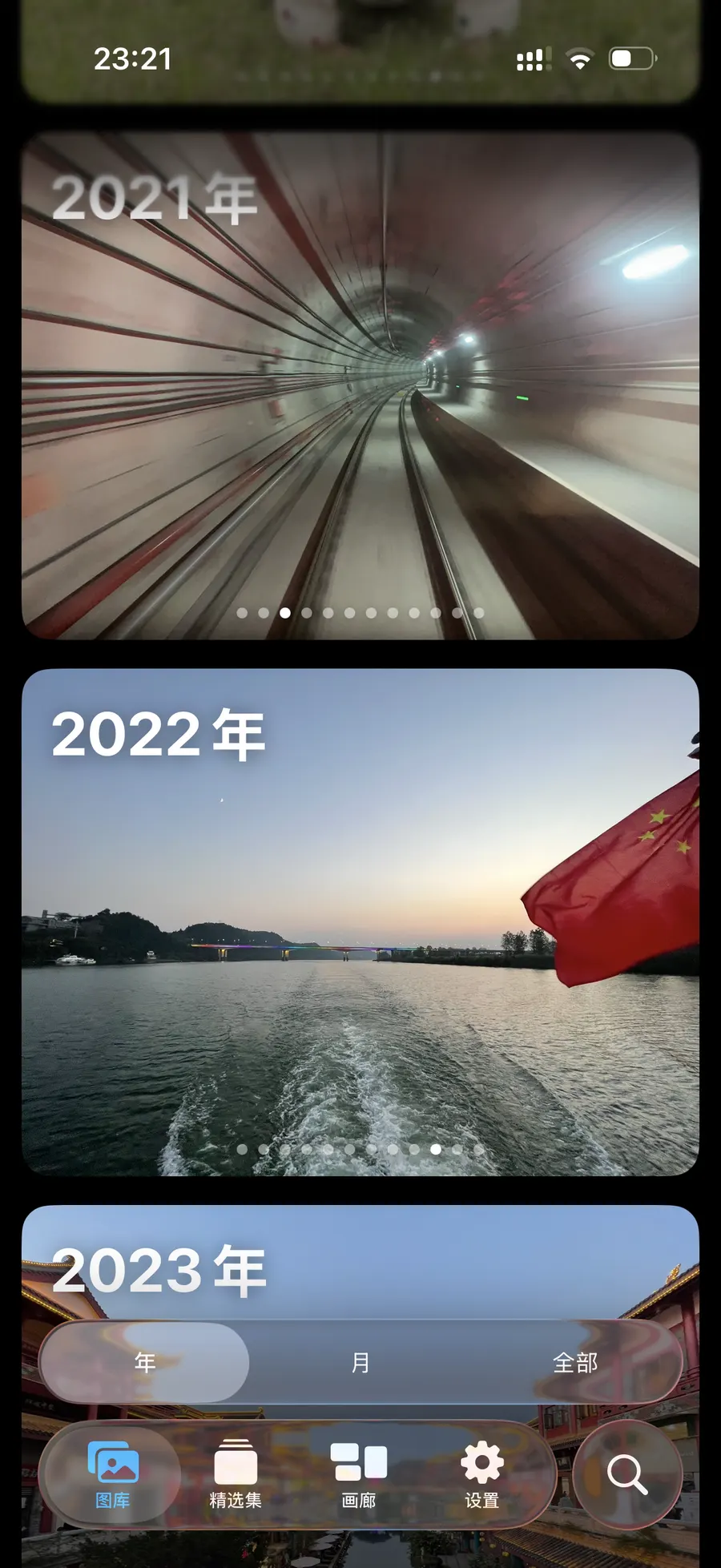
One timeline
Every photo. Just once.
When a photo is on both your server and your iPhone, it appears only once — even if the server split a Live Photo into two files.
Browse by year, by month, or all at once.


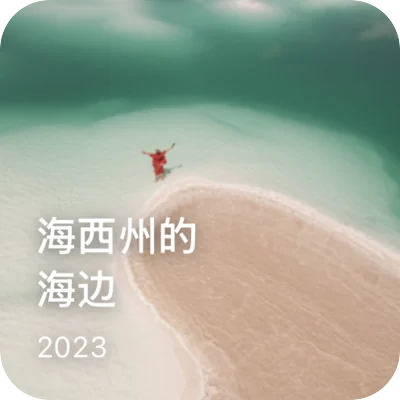

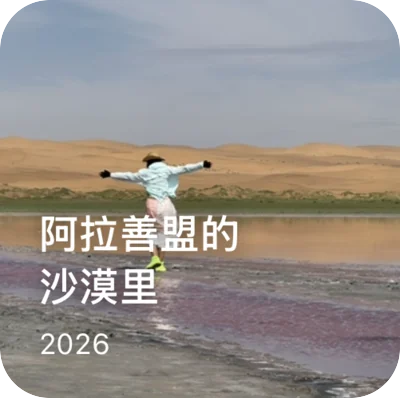
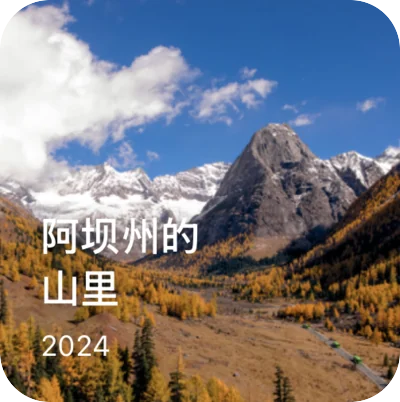
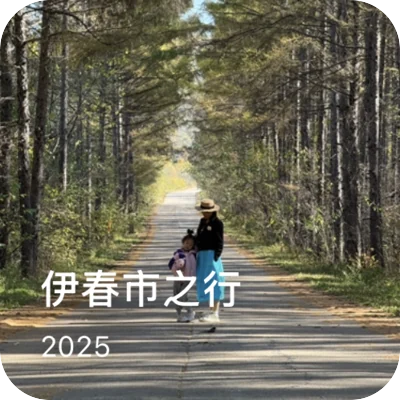





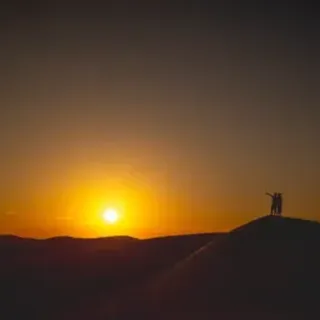




















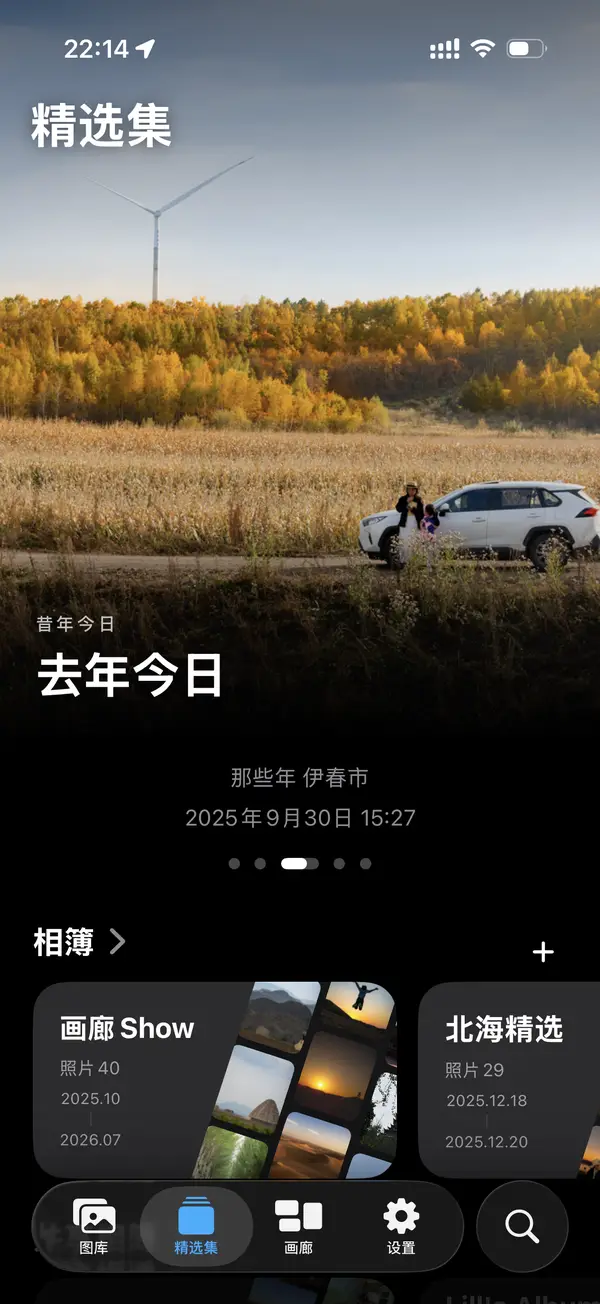
Memories
Years of photos deserve more than a hard drive.
Some days are worth remembering: summer light slanting through a window, a trip taken on a whim, the day your child took a first step.
Photocean finds those moments, sets them to music, and plays them back one by one.
You can also save them as a video to share with the people who were there.
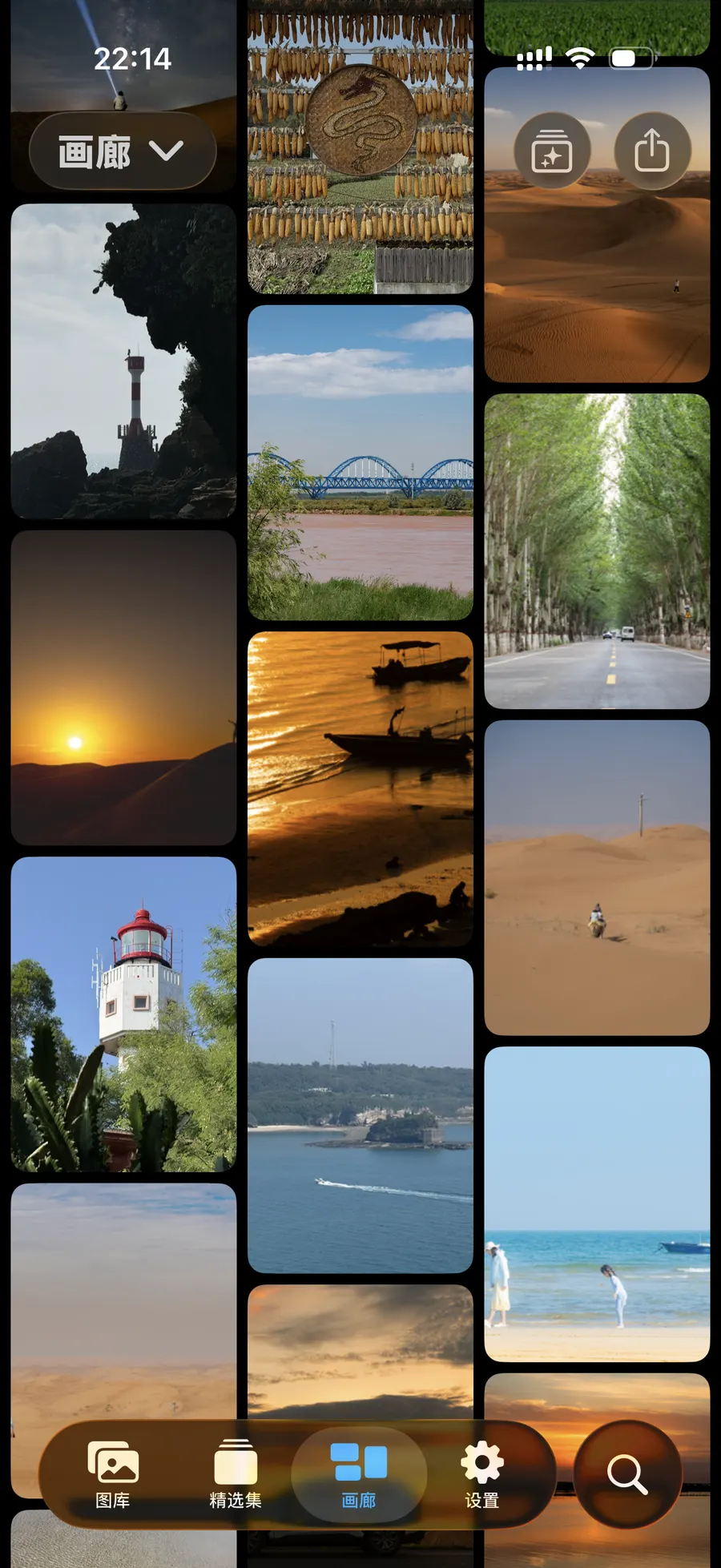
Gallery
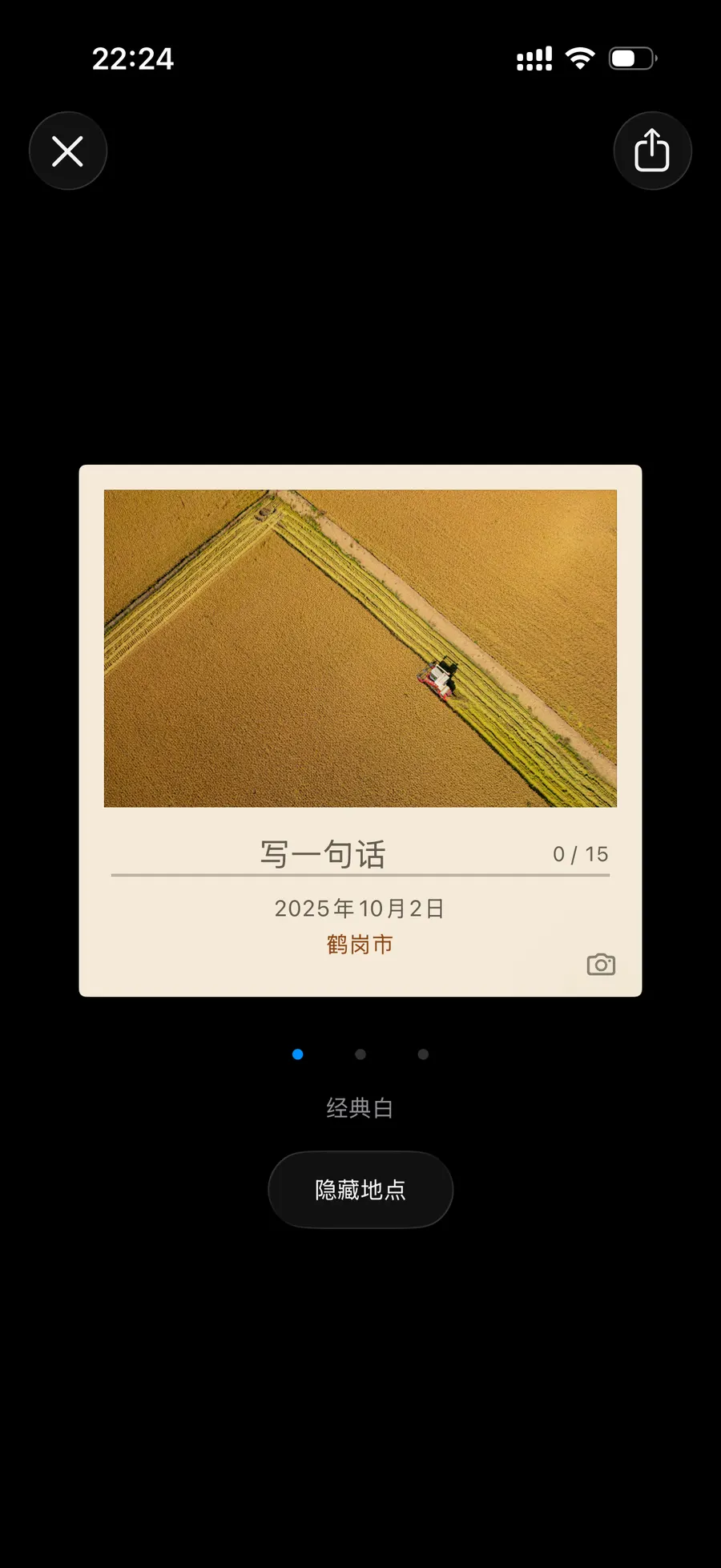
Put your favorites on the wall.
An auto-scrolling photo wall for any album.
Tap a photo, add a frame and a caption, and it becomes an instant photo, ready to share.
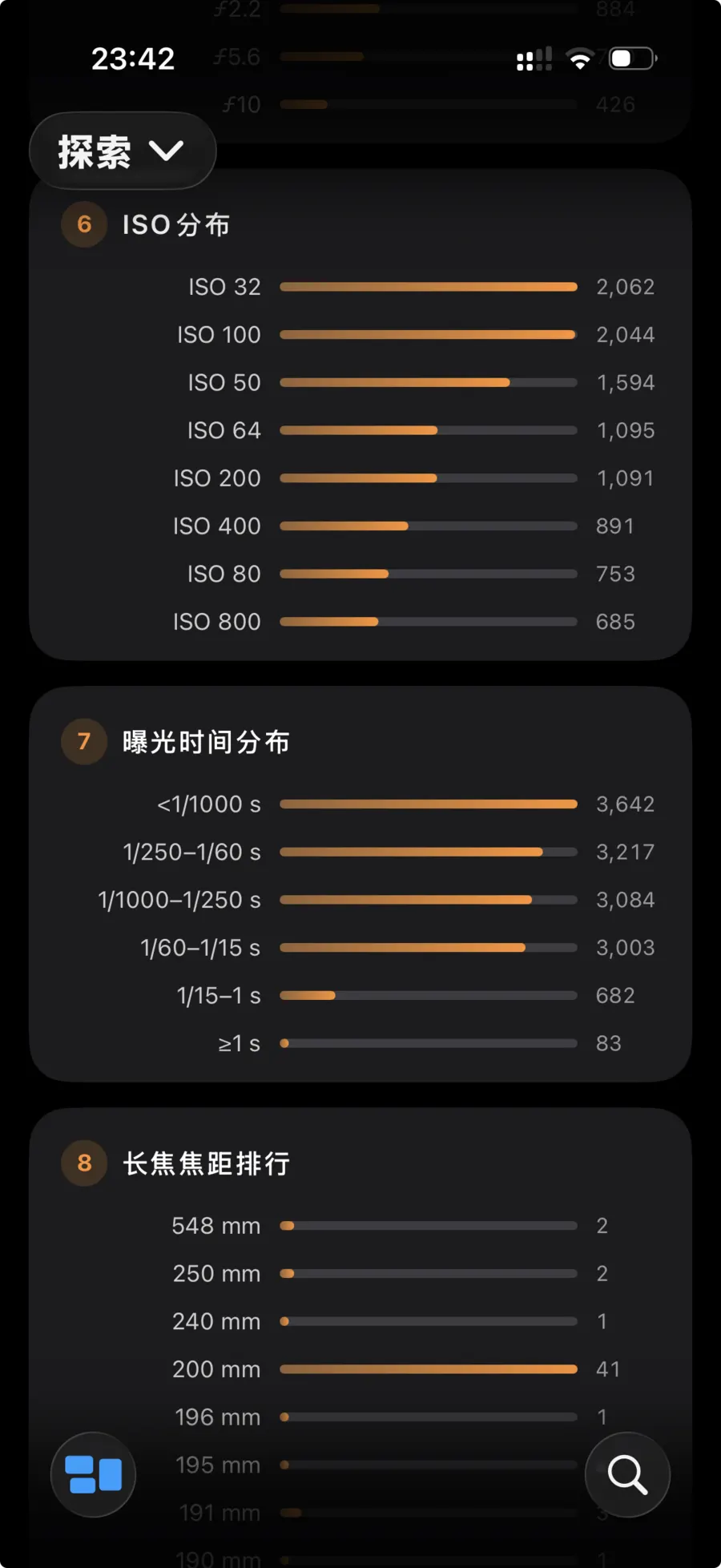
Insights
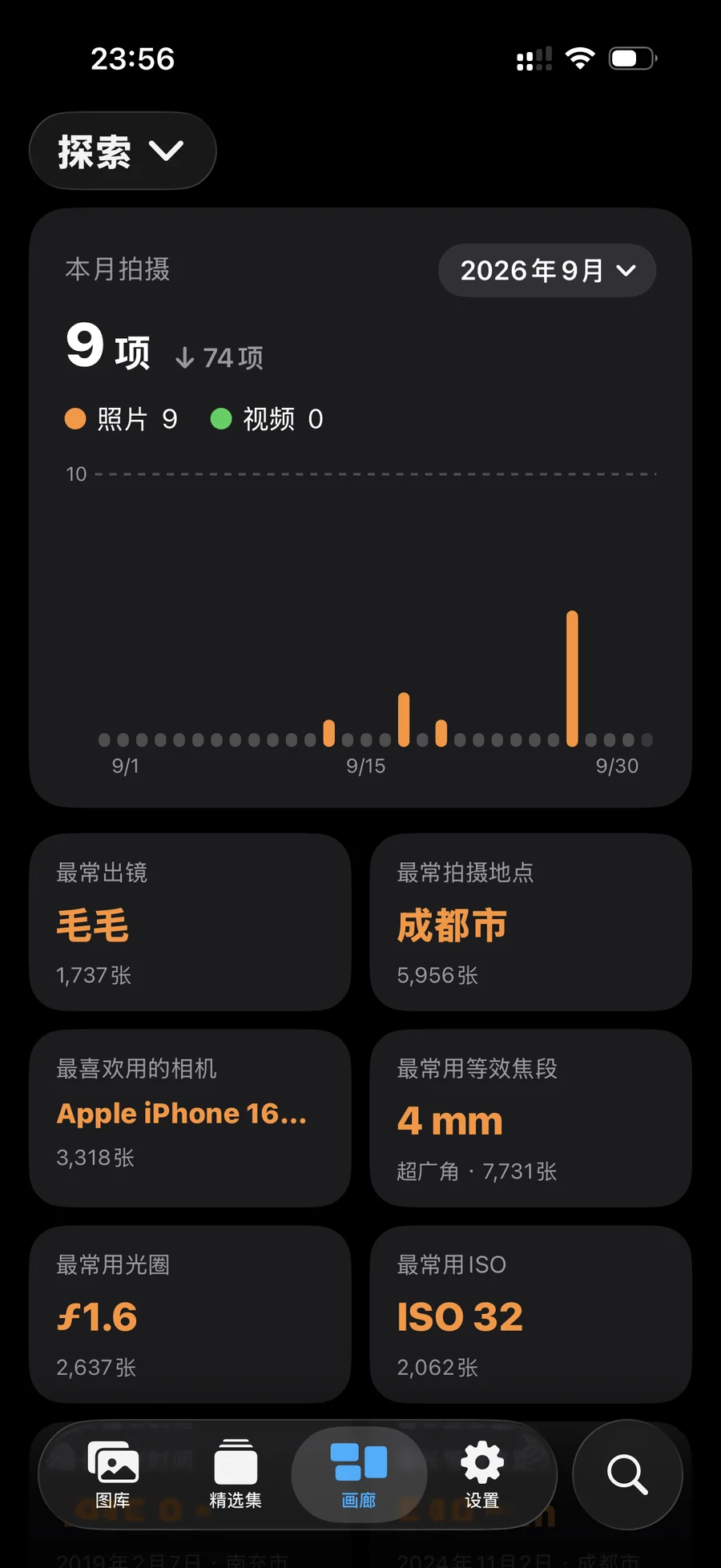
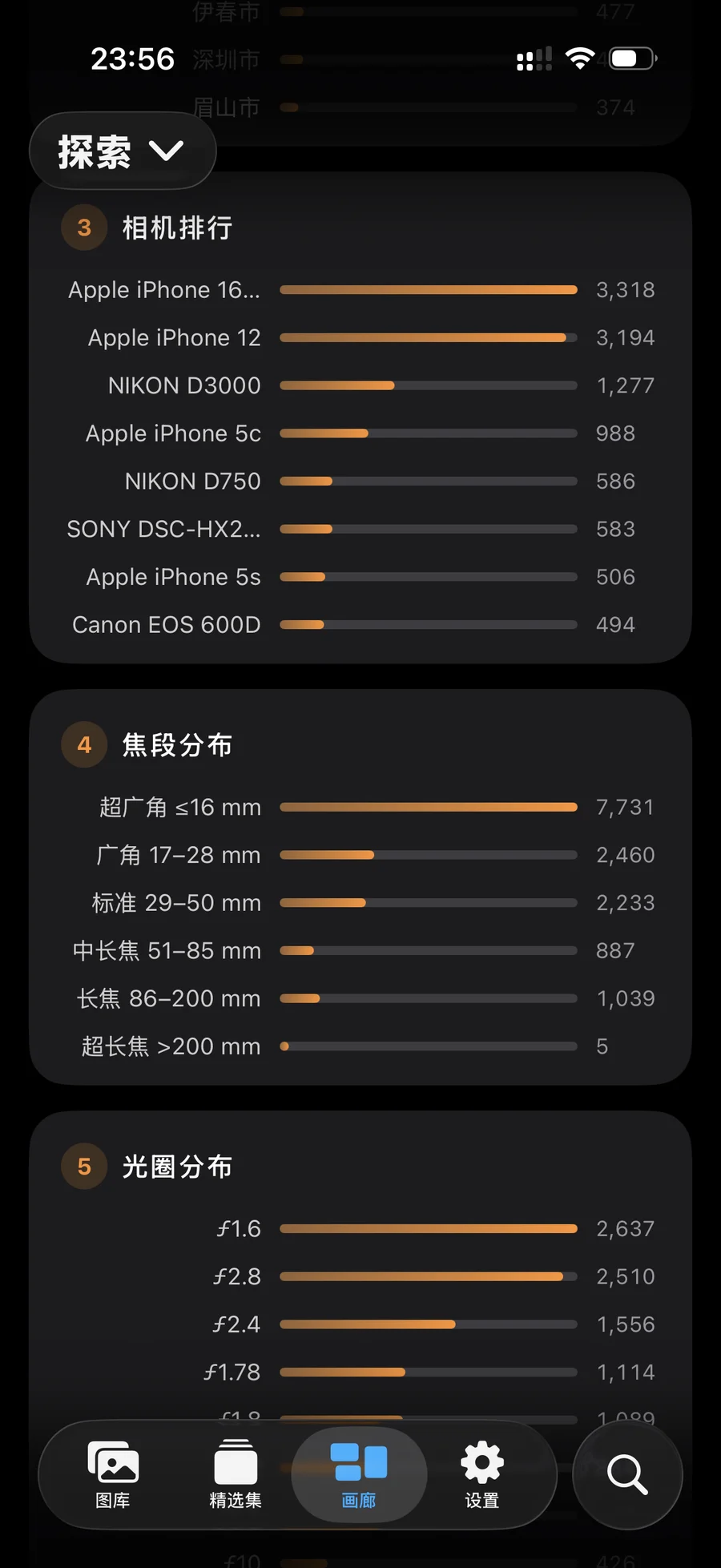
Your photography, by the numbers.
Who you photograph most, the cameras you reach for, your go-to focal lengths and shutter speeds. Photocean turns tens of thousands of photos into a clear picture of how you shoot.
Backup
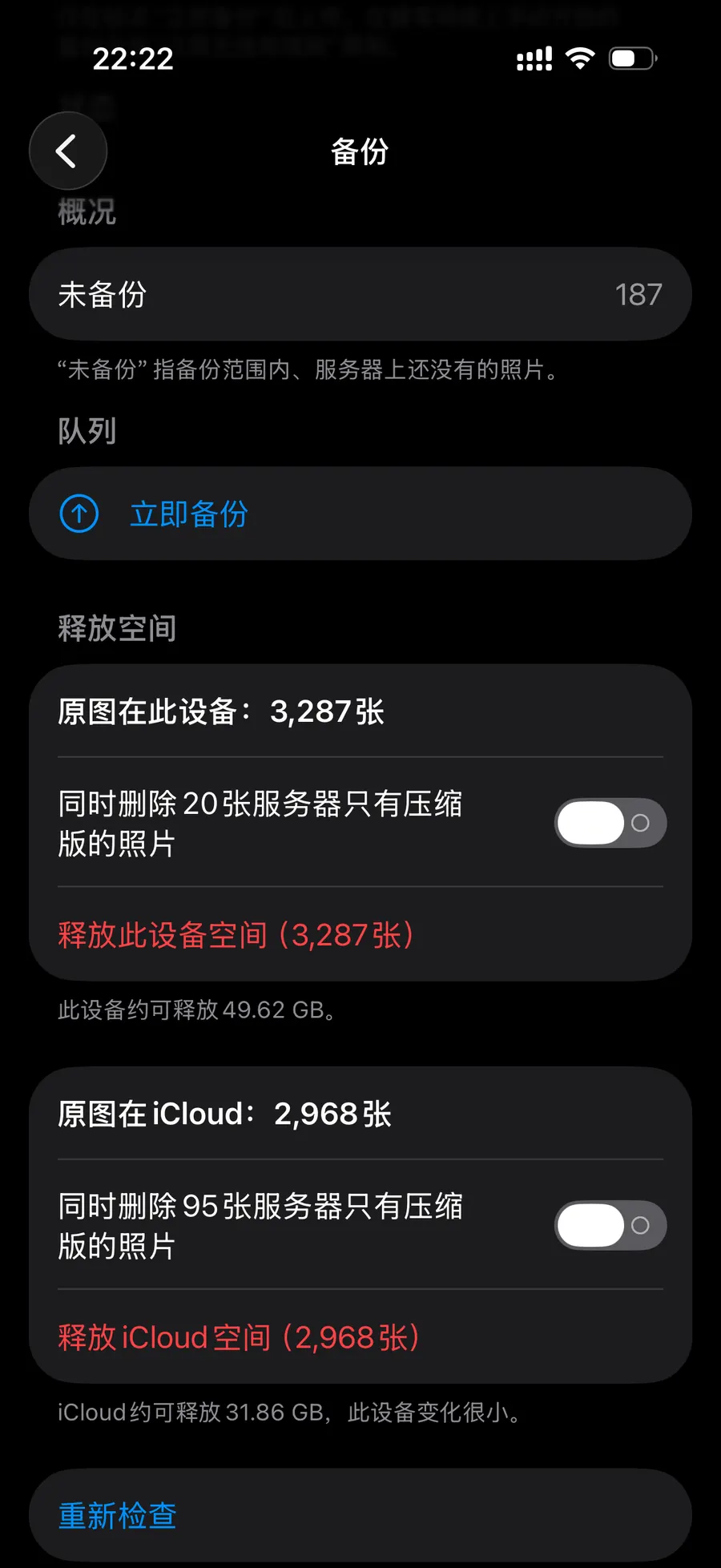
Photos on your server. Space on your iPhone.
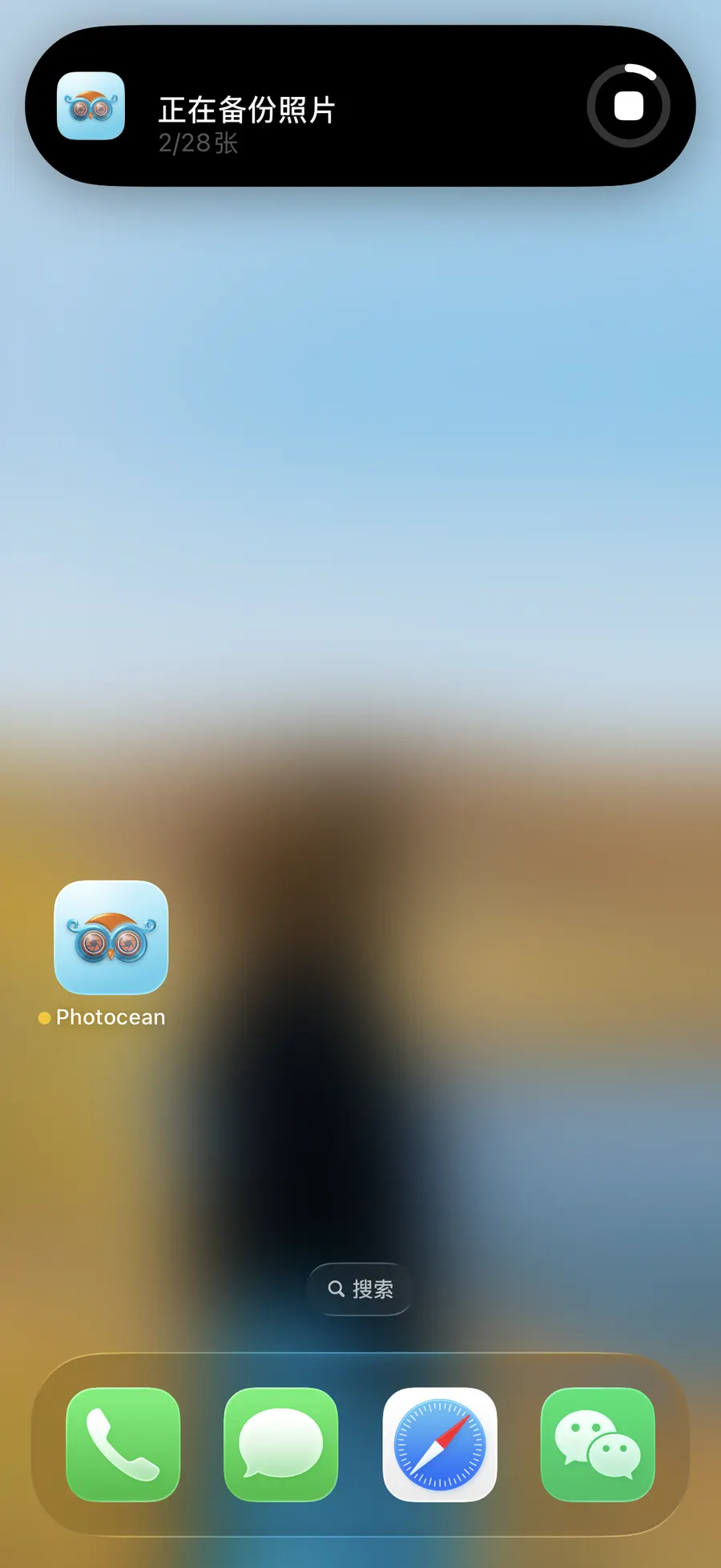
Photos back up to your server automatically, with progress right in the Dynamic Island. Once they’re backed up, remove them from your iPhone and get your storage back.
Privacy
Between your iPhone and your server. Nowhere else.
Some photos are just for you. Hide them, and they stay in your Hidden album, which opens only with Face ID — a private space that’s yours alone.
Photocean doesn’t run servers and doesn’t collect any data. Your photos travel only between your iPhone and your own server.
What’s next
iPad and Apple TV are on the way.
Organize on the big screen of iPad. Watch together on your TV.
Free and paid
The essentials are free. Always.
Free
Browse · Organize · Back up · Search · Places
Unlock with a subscription or one‑time purchase
Memories · Trip albums · Gallery · Instant photo sharing · All Insights · Full iCloud backup
Cancel a subscription anytime in Settings on your iPhone. See the Terms of Use.